Adding AI to a workflow changes more than one task. It changes how information moves, which decisions become automatic and where an exception lands. A useful automation plan makes those boundaries explicit before connecting a model to business systems.
Key takeaways
- Map the complete task, including exceptions and handoffs.
- Separate generating a recommendation from taking an external action.
- Measure review effort, corrections and operating cost alongside speed.
1. Map the current workflow before redesigning it
Follow a request from arrival to completion. Record the inputs, systems, decisions and people involved. Include workarounds that do not appear in a process diagram, such as someone checking a spreadsheet before approving a record.
Next, identify which steps are predictable rules and which require interpretation. A rule-based validation may be more appropriate for an exact check, while an AI-assisted step could help organise unstructured information for a reviewer.
2. Choose the amount of flexibility the task needs
A predefined workflow follows an established sequence. An agent can choose some of its steps and tools dynamically. Anthropic’s engineering guidance makes this distinction and recommends starting with the simplest approach that meets the task’s needs.
For your first project, describe exactly where flexibility is useful. If the process has a known sequence and a clear approval point, a bounded workflow can make ownership and evaluation easier to explain. More autonomy should solve an identified limitation.
3. Separate preparation from execution
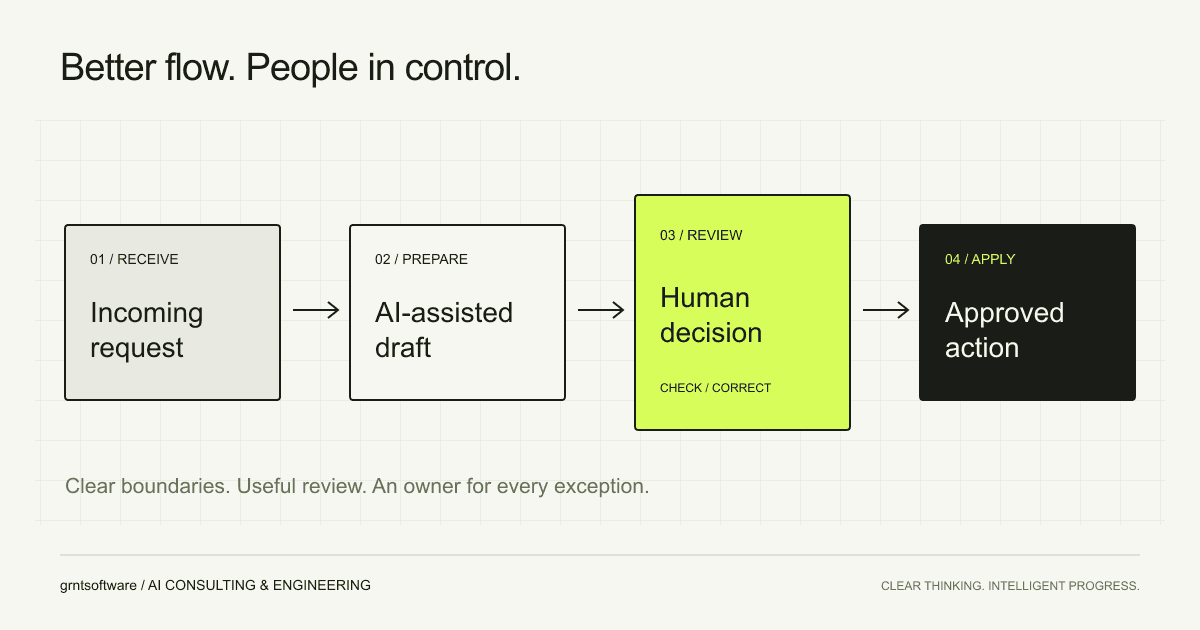
An assistant can prepare a structured draft without having permission to send it or update a business record. Treat those as separate capabilities. Give each tool a narrow purpose and describe what information it accepts, what it can change and how a failed action is reported.
| Step | Responsibility |
|---|---|
| Receive | Capture the document and record its source |
| Prepare | Extract fields and flag missing information |
| Review | A named person checks evidence and corrects the draft |
| Apply | An authorised integration writes the approved record |
| Reconcile | Confirm the result and route failures for follow-up |
4. Make human review a useful decision point
A reviewer needs enough context to make a decision. Show the proposed action, the supporting input and any uncertainty or missing information. Make corrections possible without requiring the person to restart the task.
Decide what happens when the reviewer is unavailable, rejects the output or changes part of it. An approval button is only one part of the workflow; the exception path and the ownership of unresolved work matter just as much.
5. Measure completion, not just generation speed
Compare the complete workflow with its baseline. Count preparation, checking, correction, waiting and recovery time. Track whether users can finish the task successfully, rather than treating a generated response as a completed business outcome.
- How much time is spent reviewing and correcting a draft?
- Which cases fail, and can the responsible person resolve them?
- Do retries or repeated requests create duplicate actions?
- What does the workflow cost to run and maintain?
6. Expand from observed results
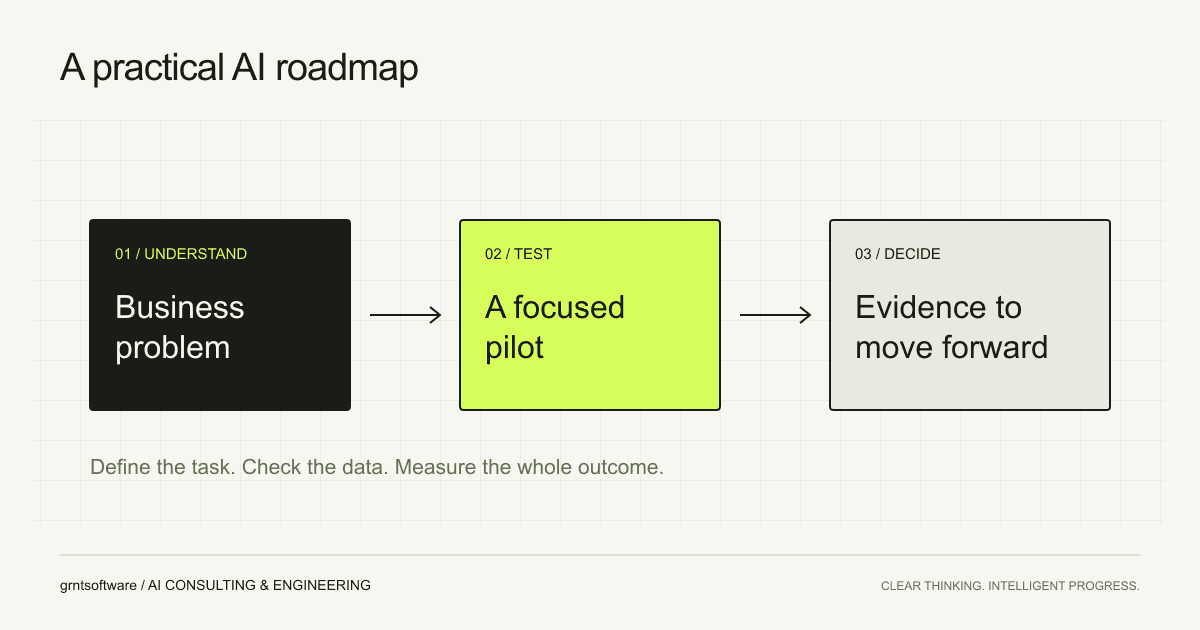
Start with a defined user group, a limited set of inputs and explicit action permissions. Review what actually happens during the pilot and adjust the scope using those observations. The next stage should be justified by the quality of completed work and the team’s ability to operate the system.